

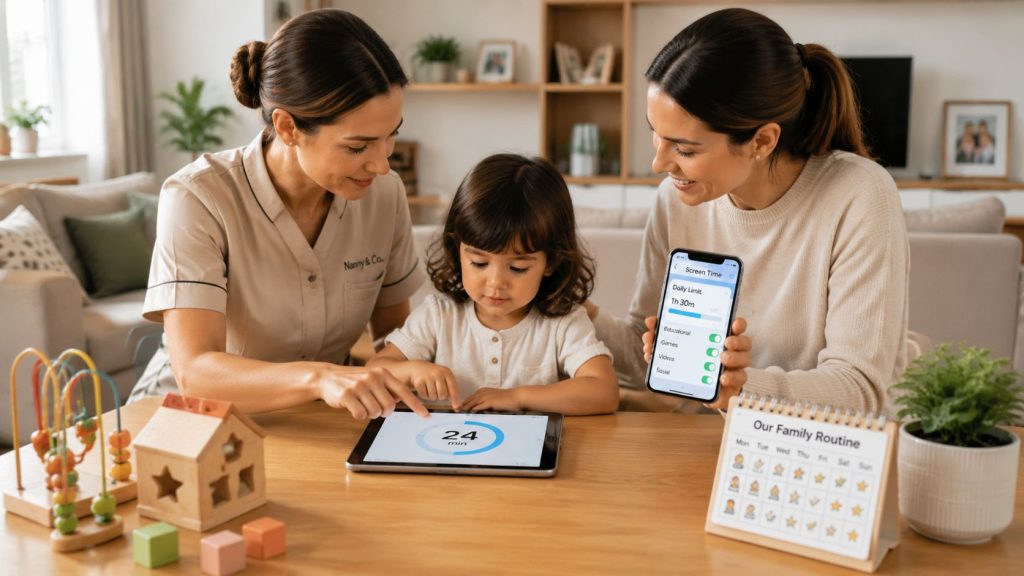
A child is halfway through a long car journey, a nanny has allowed a tablet for convenience, and a parent discovers later that the agreed daily limit was already used before breakfast. The nanny thought travel time was an exception. The parent thought educational content didn't count. A second caregiver has a different understanding altogether.
Screen time management becomes a household operations issue, not merely a parenting preference. In a fully staffed home, the policy must work across parents, nannies, governesses, tutors, drivers, rota teams, multiple devices and international travel. Clear rules, written authority and reliable handovers matter more than another general article about putting the tablet down.
Why Screen Time Rules Fail in Staffed Households
The usual failure isn't that adults don't know screens can become excessive. It's that nobody has translated broad advice into an enforceable household standard.
One nanny permits a film during a long transfer. A governess counts an educational app as learning rather than screen use. A parent hands over a phone during a difficult restaurant meal, then expects the nanny to restore the limit immediately. By the end of the day, the child has received several different messages and the adults are frustrated with one another.
In households with multiple caregivers, informal rules disappear during shift changes. A travelling nanny may follow the family's London routine while a temporary holiday carer relies on their own approach. A child moving between residences may use a family tablet, a school device and a parent's phone, with no single adult able to see the complete pattern.
Operational rule: If a caregiver has to ask whether a particular use “counts”, the policy isn't sufficiently clear.
The real source of inconsistency
Parents and staff often hold different personal attitudes towards technology. One adult may see a documentary as valuable enrichment. Another may view any unplanned device use as a breach. Neither position helps unless the family has decided the rule in advance.
A written policy should state:
- Who decides: Parents or guardians approve the household standard.
- Who enforces: Every caregiver applies it during their working hours.
- Who records: The responsible adult notes exceptions, travel use and unresolved issues.
- Who reviews: Parents and the lead caregiver assess whether the plan still suits the child.
The policy should sit alongside the household manual and be discussed during onboarding, not introduced after a disagreement. Families can also review practical digital boundaries in the Superstar Nannies social media guidelines, particularly where children's privacy and staff conduct overlap.
Why individual judgement isn't enough
A child shouldn't receive more access because the most permissive adult happens to be on duty. Nor should a nanny be left exposed when enforcing a boundary that a parent later reverses in front of the child.
Families dealing with neurodiversity or different developmental needs may also need a more personalised approach. A resource such as this guide to autism and screen time can help adults consider how communication, regulation and device use interact, without replacing an individualised family plan.
The fix is structural. Agree the rules, document them, configure the devices, brief every caregiver and make handover part of the daily routine.
Age-Specific Screen Time Limits Based on UK Guidance
A household policy should begin with a clear age distinction, then become more personalised as children grow. UK government guidance says screens should be avoided for children under two, except for shared activities that encourage bonding, interaction and conversation. For children aged two to five, the recommendation is no more than one hour a day, with less preferred where possible. This applies across digital devices with screens, not only televisions and tablets. (UK guidance for screen time under 5s)
| Age group | Daily limit | Session guidance | Key rules |
|---|---|---|---|
| Under 2 | Avoid routine use | Shared use only where appropriate | Use screens for bonding, interaction and conversation, not solo access |
| 2 to 5 | No more than 1 hour | Short chunks of 30 minutes or less | Avoid mealtimes and the hour before bed |
| School-age children | Set an individual household benchmark | Match access to sleep, movement, school and family routines | Review the child's full day, not minutes alone |
| Adolescents | Use a negotiated, monitored plan | Define device-free periods and responsibilities | Include social use, schoolwork, entertainment and sleep routines |
The UK parliamentary evidence supporting guidance for young children also recommends avoiding mealtimes and the hour before bed, while keeping solo screen use to a minimum. It reports that 24% of parents of 3- to 5-year-olds find screen control difficult, and that 98% of 2-year-olds watch screens daily. (UK government guidance for parents of under-5s)
What changes after the early years
There isn't one universal daily cap for every school-age child or teenager in the evidence provided. A sensible household benchmark should consider whether device use is displacing conversation, movement, hands-on play, sleep, school responsibilities or in-person relationships. The family should define those priorities in writing rather than pretend that a single number solves every developmental stage.
Ofcom's 2024 reporting found that 162 children aged 8 to 12 spent an average of 3 hours 5 minutes per day accessing the internet across smartphones, tablets and computers. The same reporting found that 43% of children aged 8 to 15 had tried to spend less time online on at least one app or service, while 44% were concerned about how much time they spent online. (Ofcom Children's Media Literacy Report 2024)
That combination matters. Children may recognise that their use feels excessive, but they still need adults to build the environment that makes self-regulation possible. Use the child development milestones guide to keep device decisions connected to communication, independence, play and broader development.
Make the SEND distinction explicit
The Department for Education states that under-five screen limits don't apply to screen-based assistive technologies used by children with special educational needs and disabilities. Staff must know whether a device is providing accessibility support, education, communication or entertainment before applying a restriction.
Record that distinction in the child's plan. A blanket ban can remove an essential tool, while an undefined exemption can create confusion. The correct approach is individualised, documented and shared with every relevant caregiver.
Building a Written Family Screen Time Agreement
A family screen agreement should read like a practical household protocol. It must tell a nanny what to do at the moment a child asks for a device, not just express a preference for moderation.
Start with the child's age, routine and devices. List every screen that may be used, including shared tablets, phones, laptops, televisions, gaming systems and school-issued equipment. Then write the rules in language that a temporary caregiver can understand without asking a parent for clarification.
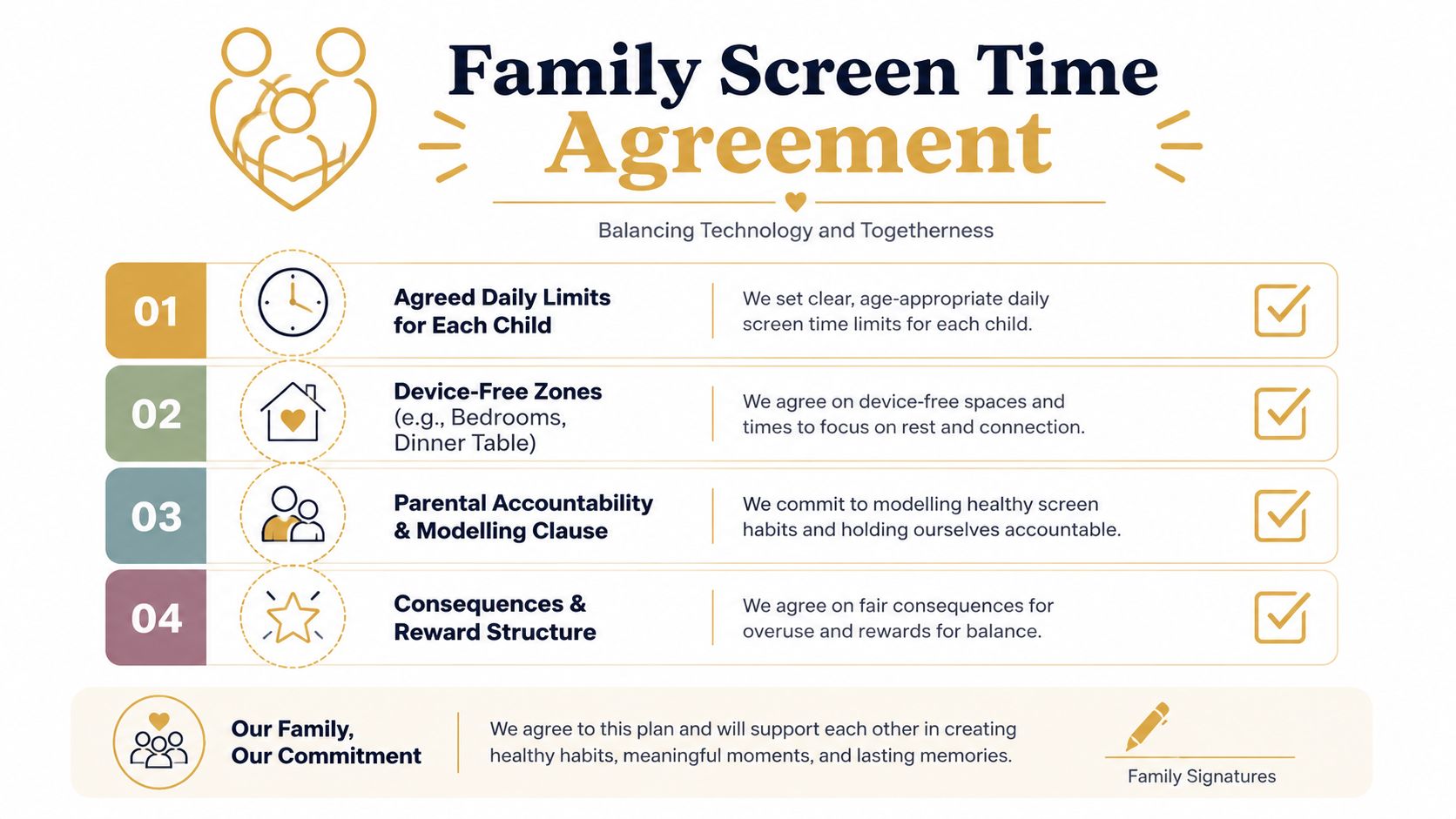
Use a four-part policy structure
Access and timing: State which children may use which devices, at what times and under whose supervision. Specify whether the daily allowance resets at midnight, after waking or according to another family routine.
Content and supervision: Identify approved content categories, age-appropriate services and whether an adult must be present. Decide how educational applications, video calls, audiobooks and accessibility tools are treated.
Screen-free spaces: Put bedrooms, the dining table and the hour before bed into the policy if those are the family's chosen boundaries. The independent parliamentary report on children under five supports screen-free bedrooms, avoiding screens in the hour before bedtime, keeping use in short chunks and maintaining screen-free periods for everyone in the household. (Education Committee report on screen time)
Exceptions and consequences: Define what happens during illness, travel, family events or unusual schedules. Consequences should be predictable and proportionate, never improvised by a frustrated caregiver.
Give staff authority and a reporting route
The agreement should state that nannies, governesses and tutors may end a session when the limit is reached. It should also tell them how to record the use, notify parents and handle a child who challenges the decision.
Include a short handover note with:
- Usage recorded: Device, approximate duration, content and reason for any exception.
- Boundary issue: What the child requested and how the caregiver responded.
- Parent decision needed: Any new app, device or recurring disagreement.
- Next routine: The agreed offline activity that follows.
If the document forms part of a nanny contract addendum or household manual, families can use nanny contract templates as a starting point for organising responsibilities. The wording still needs to reflect the family's own arrangements and should be reviewed appropriately for the relevant employment context.
Device Settings and App Controls for Enforcement
A written agreement won't hold if every device is configured differently. Technical controls should support the adults' decisions, not become a substitute for supervision or conversation.
Create one device inventory
List each device by child, owner and purpose. A shared iPad should have a named responsible adult and a clear sign-out process. A school laptop may require different treatment from an entertainment tablet. A parent's phone shouldn't become an untracked back door into games or video platforms.
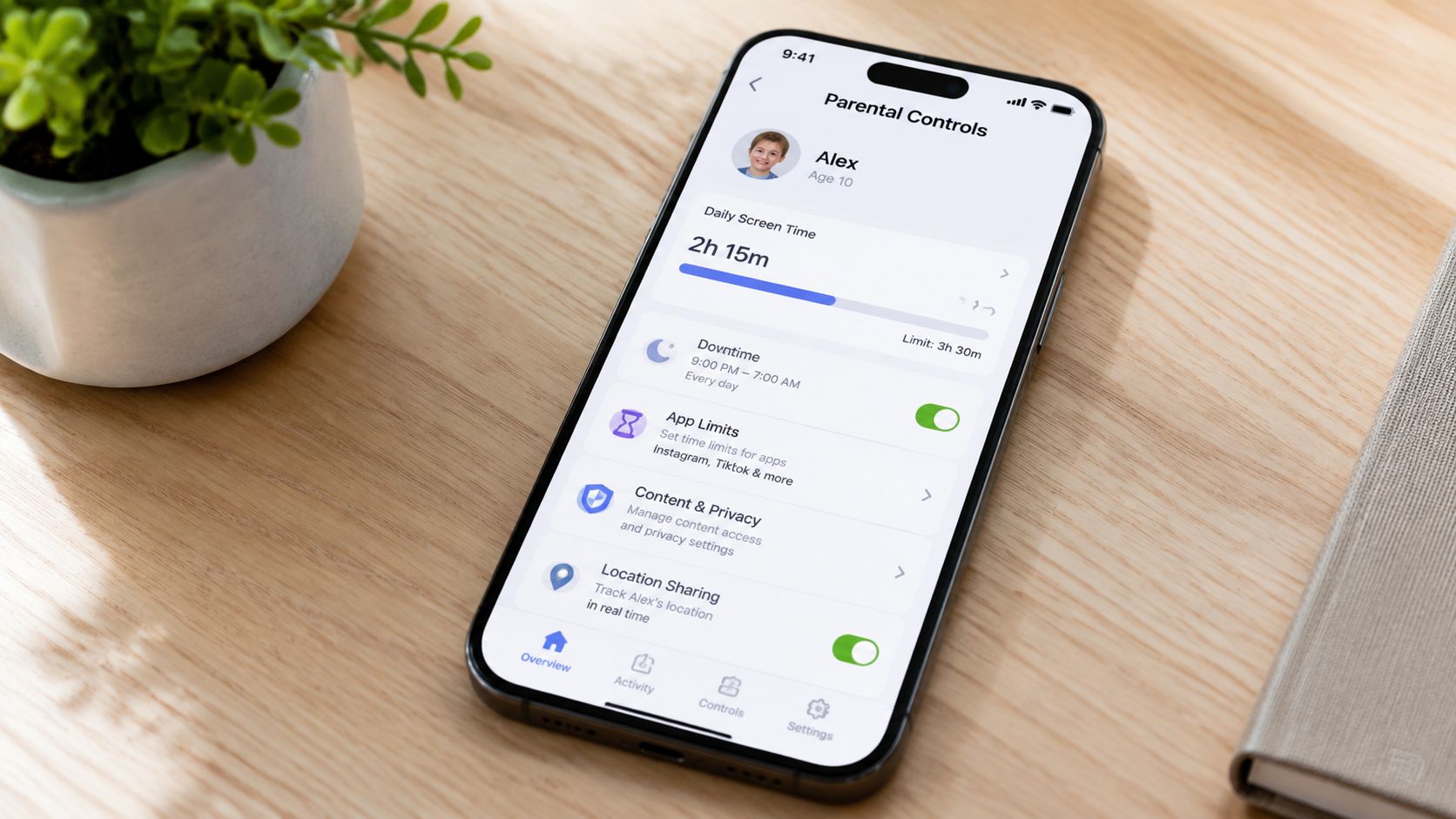
On Apple devices, parents can review Screen Time, set Downtime and manage app limits through Family Sharing. On Android devices, Google Family Link can support supervision, app approvals and time controls. Menus and features change, so the parent or household manager should test the settings personally before handing responsibility to a nanny.
Configure:
- App approvals: Require an adult decision before new downloads.
- Content filters: Restrict unsuitable material and prevent unauthorised purchases.
- Time limits: Apply limits to individual apps where appropriate, not only the whole device.
- Notifications: Remove alerts that encourage constant checking.
- Passcodes: Keep adult credentials private and document who may use them.
Train caregivers on the controls
A child may say the tablet has stopped working when an app limit has been reached. The nanny should know how to check the setting, explain the boundary calmly and avoid overriding it without permission. Every caregiver also needs to understand what to do if a setting fails, a device is replaced or an account is logged out during travel.
For families comparing additional tools, this overview of apps that block digital distractions may help identify options worth assessing. Choose tools that fit the family's privacy expectations and device ecosystem, then record the final configuration in the household manual.
Substitution Strategies and Household Modelling
Restriction works poorly when it leaves a child with nothing engaging to do. The strongest household plans pair boundaries with attractive alternatives, particularly physical activity and offline social routines.
UK cohort evidence identified a “Physically active, moderate digital users” profile representing 59.7% of adolescents, with a more favourable wellbeing pattern than the “Frequent digital users” profile at 21.0%. The same analysis identified 19.3% as “In-person socialisers, low digital users”, reinforcing the practical point that families should build movement and relationships into the day rather than focus only on removing minutes. (UK adolescent digital-use cohort analysis)
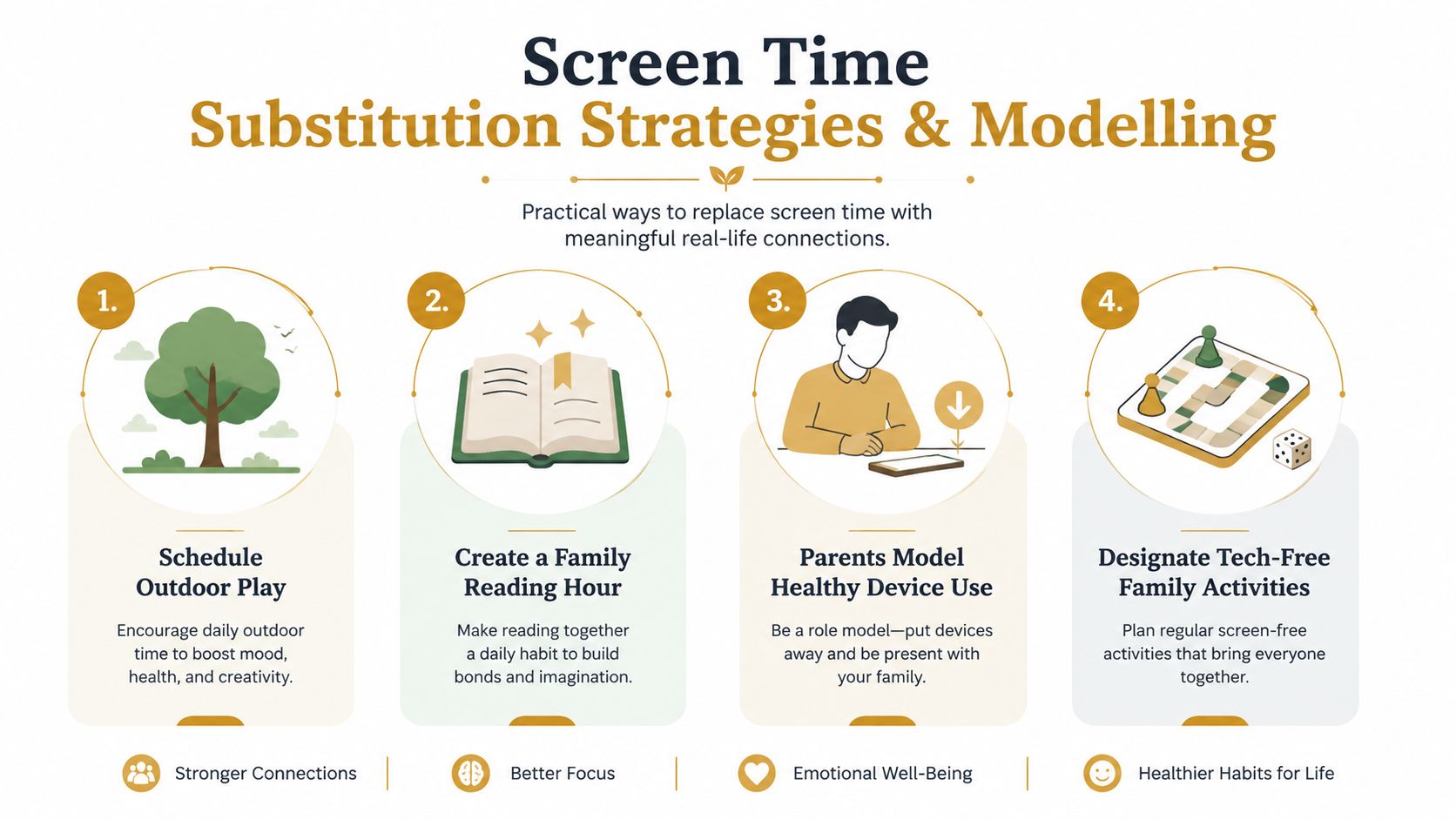
Design the replacement before ending the device session
A nanny should be able to say what happens next. That might be outdoor play, swimming, baking, music practice, a reading routine, a craft project or a visit with friends. A governess can connect a child's interests to hands-on learning, while a travelling nanny can prepare portable activities that work in a hotel or on a train.
The replacement doesn't need to be elaborate. Put art materials where the child can reach them. Keep books visible. Prepare a small travel case with puzzles, cards and drawing supplies. The child is more likely to accept the end of a screen session when the next activity is already available.
Adults must follow the policy too
Children notice whether adults check phones at meals, answer messages during play or use devices whenever they feel bored. Parents and staff should agree household-wide screen-free periods, with sensible exceptions for urgent work, safeguarding or operational needs.
A household manager can include adult modelling in the weekly staff briefing. Parents can explain that the rule applies to everyone, while caregivers can keep phones away during direct childcare unless the device is needed for work or safety.
Children accept boundaries more readily when the adults around them demonstrate the same standard.
Managing Screen Time During Travel and Transitions
Travel is where weak policies usually collapse. Long flights, airport waits, changing time zones and hotel rooms create genuine practical pressure, but a journey shouldn't erase the family's agreed principles.
Before departure, prepare a travel version of the screen agreement. State what counts as a travel exception, who authorises it, which content is approved and how the caregiver records use. If the child uses a tablet on a flight, the nanny should note the session and communicate it during handover rather than treating the journey as invisible time.
Build a reliable handover
A rota nanny taking over should receive the child's current device balance, recent exceptions, sleep expectations and any content concerns. A travelling nanny should brief temporary carers before they begin, particularly if a tutor, hotel babysitter or family friend may supervise the child.
Use one secure family communication channel and keep the note concise. Include the device, session, reason and next agreed screen-free activity. Don't rely on a child to report accurately or on a parent to reconstruct the day from scattered messages.
For families whose childcare moves across countries and residences, guidance on the travelling nanny for international families offers useful context for structuring mobile childcare responsibilities.
Keep the routine recognisable
Pack familiar books, creative materials and offline games. Use local time for meals and sleep routines, but keep the same sequence of device access, transition and bedtime preparation wherever possible. A child can adapt to a new setting more easily when the boundaries and handovers remain predictable.
Professional Support for Household Screen Policies
Screen time management is a professional childcare responsibility in a staffed household. A capable nanny or governess must understand the family's rules, apply them without negotiation in front of the child, communicate exceptions and adapt the daily alternatives as the child develops.
During recruitment, families should ask candidates how they handle a child who argues for “just five more minutes”, how they record device use and how they would respond when a parent gives a different instruction. Screening should also explore discretion, safeguarding awareness, communication style and the candidate's ability to work within a written household system.
Some children may need support beyond household routines. Families should seek appropriately qualified local advice when device use connects with distress, behaviour or wider wellbeing concerns, including resources such as Kelowna youth counselling services where relevant to the family's location.
Superstar Nannies can help families recruit nannies, governesses and other private childcare professionals whose experience can be assessed against the household's routines, standards and expectations. The right appointment won't remove the need for parental involvement, but it can give the family a consistent professional who makes the policy workable every day.
If your household needs a written screen policy, clearer caregiver handovers or a nanny who can enforce agreed routines confidently, Superstar Nannies can discuss the family's requirements and support a discreet, personalized recruitment process. Contact the team to begin a consultation focused on dependable childcare across home, travel and fully staffed household environments.